
COMPUTING · PRACTICAL GUIDE
Still on Windows 10? Free security updates now run to October 2027: what to do
 By S. Dahani and the RealDigitalTech editorial team
Windows 10 support ended in October 2025, but Microsoft has extended consumer security updates (ESU) to October 12, 2027. How to enroll for free, how to check if your PC can run Windows 11, and what to do if it can't.
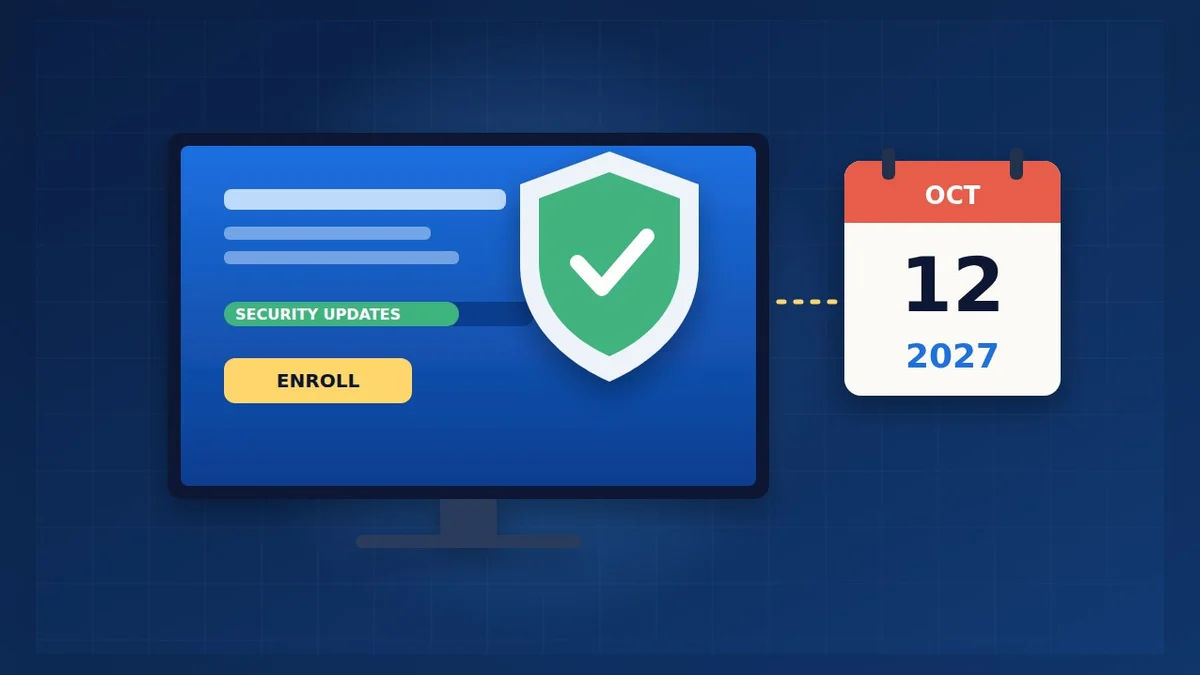
© S. Dahani (AI illustration)
Quick Take
Key figures
What has changed
Windows 10 officially reached end of support on October 14, 2025. Since then, Microsoft no longer fixes bugs or adds features, and normal security updates stopped. To give home users more time, Microsoft created the Extended Security Updates (ESU) program for consumers, which was supposed to end on October 13, 2026.
In June 2026, Microsoft quietly extended consumer ESU by one year. Its ESU page now says you can enroll "any time until the programme ends on 12 October, 2027", and PCs that were already enrolled are covered automatically until that date, with no action needed, as Help Net Security and Pureinfotech reported.
This matters to a lot of people: according to StatCounter, 27.8% of Windows PCs worldwide were still running Windows 10 in September 2026, against 71.4% for Windows 11.
What ESU covers, and what it doesn't
ESU is a security bridge, not a new life for Windows 10. According to Microsoft, it provides:
- Critical and important security updates, as defined by the Microsoft Security Response Center.
It does not provide:
- New features or improvements.
- Non-security bug fixes.
- Technical support.
In practice, an enrolled Windows 10 PC stays reasonably safe to use for everyday tasks until October 2027. Over time, though, new apps, printers and devices will increasingly be tested only on Windows 11.
How to enroll in ESU for free
Your PC must meet a few conditions, according to Microsoft:
- Windows 10 version 22H2 (Home, Pro, Pro Education or Workstations) with the latest updates installed. To check, press Windows + R, type winver and press Enter.
- An administrator Microsoft account. A local account will be asked to switch, and child accounts are not eligible.
- Not available on PCs managed by a company (domain-joined or MDM-enrolled) or in kiosk mode.
Then:
1. Open Settings → Update & Security → Windows Update and install every available update. 2. Look for the "Enroll now" link for Extended Security Updates on the same page. 3. Choose one of the three options:
- Sync your PC settings with Windows Backup, at no cost;
- Redeem 1,000 Microsoft Rewards points;
- Pay $30 once (or the local equivalent, plus tax).
4. Restart and check Windows Update again. One license covers up to 10 PCs signed in with the same Microsoft account.
In Europe, guides such as TechLila note that ESU stays active only if you keep signing in with your Microsoft account regularly. If you rarely use the PC, sign in at least once a month.
Can your PC run Windows 11 for free?
If your PC is compatible, moving to Windows 11 is free and keeps your files and apps. Microsoft's minimum requirements are:
| Component | Minimum for Windows 11 |
|---|---|
| Processor | 1 GHz or faster, 2+ cores, on Microsoft's approved list |
| Memory (RAM) | 4 GB |
| Storage | 64 GB or more |
| Firmware | UEFI with Secure Boot capability |
| Security chip | TPM 2.0 |
| Graphics | DirectX 12 with a WDDM 2.0 driver |
| Display | 720p, larger than 9 inches |
The easiest way to check is Microsoft's free PC Health Check app, which tells you in one click whether your PC can upgrade and why not if it can't. Older PCs most often fail on the processor or the TPM 2.0 requirement.
Before upgrading, make a full backup. Our guide to backing up your computer explains how in 15 minutes.
If your PC can't run Windows 11
You have four realistic options:
1. Stay on Windows 10 with ESU until October 2027. This is the simplest choice for a PC that still works well. Mark the date in your calendar. 2. Install ChromeOS Flex. Google's free system turns many older laptops into a Chromebook. It needs a USB stick of at least 8 GB, erases the drive, and works best for web browsing, email and office work in the browser. It doesn't run Android apps, and you should first check Google's list of certified models, as Which? explains. 3. Switch to Linux. Distributions such as Linux Mint or Ubuntu are free and run well on older hardware, but expect a learning curve. 4. Replace the PC before October 2027. Use the time to buy at a good price, for example during Black Friday. Our student laptops guide and Black Friday buying guide can help you choose.
Avoid unofficial tools that "force" Windows 11 onto unsupported PCs: Microsoft does not guarantee updates on those machines.
What keeps working on Windows 10
Some Microsoft software keeps its own support dates on Windows 10:
- Microsoft 365 apps (Word, Excel, Outlook…): security updates until October 10, 2028, according to The Register.
- Microsoft Edge and WebView2: updates until at least October 2028 on Windows 10 22H2, according to Pureinfotech.
- Antivirus: Microsoft Defender and third-party antivirus software keep working, but an antivirus is no substitute for Windows security updates.
Your files, photos and documents stay exactly where they are; nothing is deleted when support ends.
Frequently asked questions
Will my PC stop working? No. Windows 10 keeps running normally; it's only the updates that depend on ESU.
Is the free ESU option really free? Yes. Syncing your settings with Windows Backup costs nothing, though it uses your Microsoft account's OneDrive storage for the settings backup.
I'm already enrolled. Do I need to do anything? No. Microsoft says enrolled PCs are covered automatically until October 12, 2027.
Is it safe to keep using Windows 10 after October 2027? Without security updates, the risk grows every month, especially for online banking and shopping. Plan your move before that date.
Verdict
If you're still on Windows 10, don't panic, but don't wait either. Enroll in ESU for free today so you're protected until October 12, 2027, then run PC Health Check: if your PC passes, move to Windows 11 for free after a backup. If it doesn't, use the next year to decide calmly between ChromeOS Flex, Linux or a new PC bought at the right moment.
This guide is based on Microsoft's official pages and on the reporting cited below. Menu names can change with updates; check Microsoft's help pages if a setting has moved.
Sources
- Microsoft — Windows 10 Consumer Extended Security Updates (ESU)
- Help Net Security — Microsoft gives Windows 10 users an unexpected extra year of free security updates (June 26, 2026)
- Pureinfotech — Microsoft extends Windows 10 ESU through October 2027 (June 25, 2026)
- TechLila — Windows 10 end of support: ESU runs to 2027, your options (October 15, 2026)
- Microsoft Support — Windows 11 system requirements
- StatCounter — Desktop Windows version market share worldwide (September 2026)
- The Register — Microsoft 365 apps on Windows 10 to get security fixes into 2028 (May 12, 2025)
- Pureinfotech — Microsoft Edge support will end in October 2028 for Windows 10 (August 12, 2025)
- Which? — How to turn your old laptop into a Chromebook (updated July 2026)
How this article was made: our editorial team selected and read the reviews listed above, compared their results and wrote this synthesis, with AI tools assisting the research and drafting. Every figure was checked against the sources, and the article was approved by the publication director. Our AI Disclosure · Our methodology · Report an error: editorial@realdigitaltech.com